How We Translated Jiffy for Montréal in 6 Months with AI, CrowdIn, and One Proofreader

Bonjour Montréal!
I assure you, my knowledge of the French language goes beyond Bonjour, thanks partly to a French-immersion education in elementary school and, more recently, because of our launch in Québec.
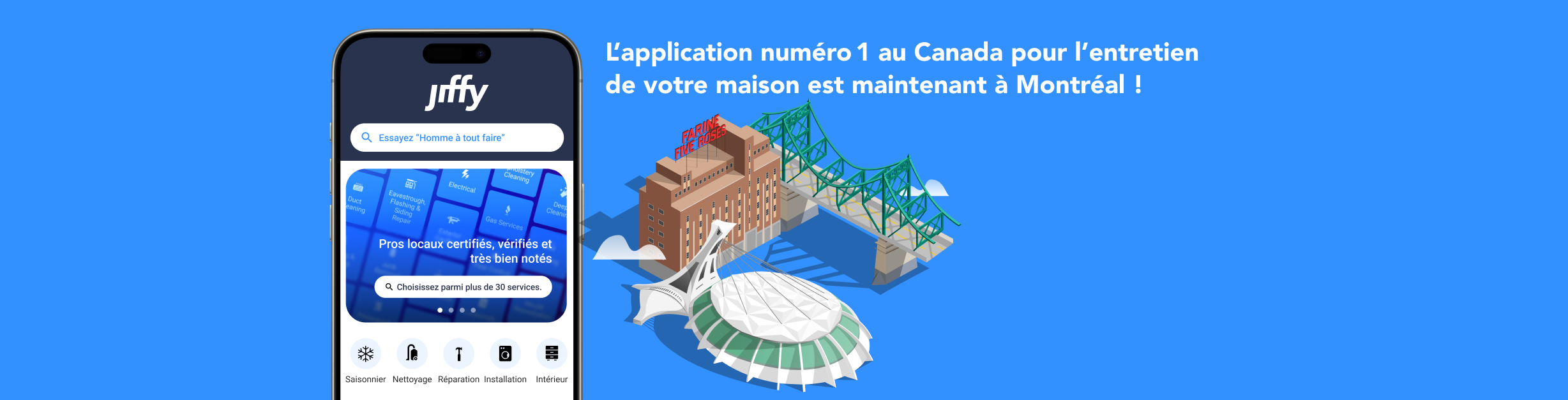
Launching Jiffy in Montréal is an amazing milestone for the team. It marks our availability in another major Canadian city, and one of its largest. Montréal is one of Canada's oldest cities, and its housing landscape is diverse. It's not just single-family homes but also low-rises, mid-rises and condos, which together create a lot of opportunity in this market. Montréal is also a major hub for our parent company, Intact Financial Corporation, who acquired us in November 2024.
There's no shortage of reasons to be excited to expand into such an important part of the country.
Before Montréal, Jiffy operated in English only. Entering a bilingual city meant revisiting many English-first decisions embedded throughout our platform. We also knew we had to get this right because language and culture preservation matter deeply in Québec, and we wanted to feel natural and local. Delivering a fully localized experience wasn't optional. It needed to feel like it belonged.
It was a monumental task, and we needed to stay within our budget and headcount while targeting a Q4 2025 launch. We began in May and translated more than 200,000 words across the platform in six months by using CrowdIn, AI pre-translation and one human proofreader.
The Problem with Traditional Translations
If you've localized a product, you've probably seen this workflow:
- Collect copy in a Word doc or Excel sheet, and paste screenshots into slides if context is needed.
- Translators add their content in margins or comments.
- Developers manually copy and paste translations into the codebase.
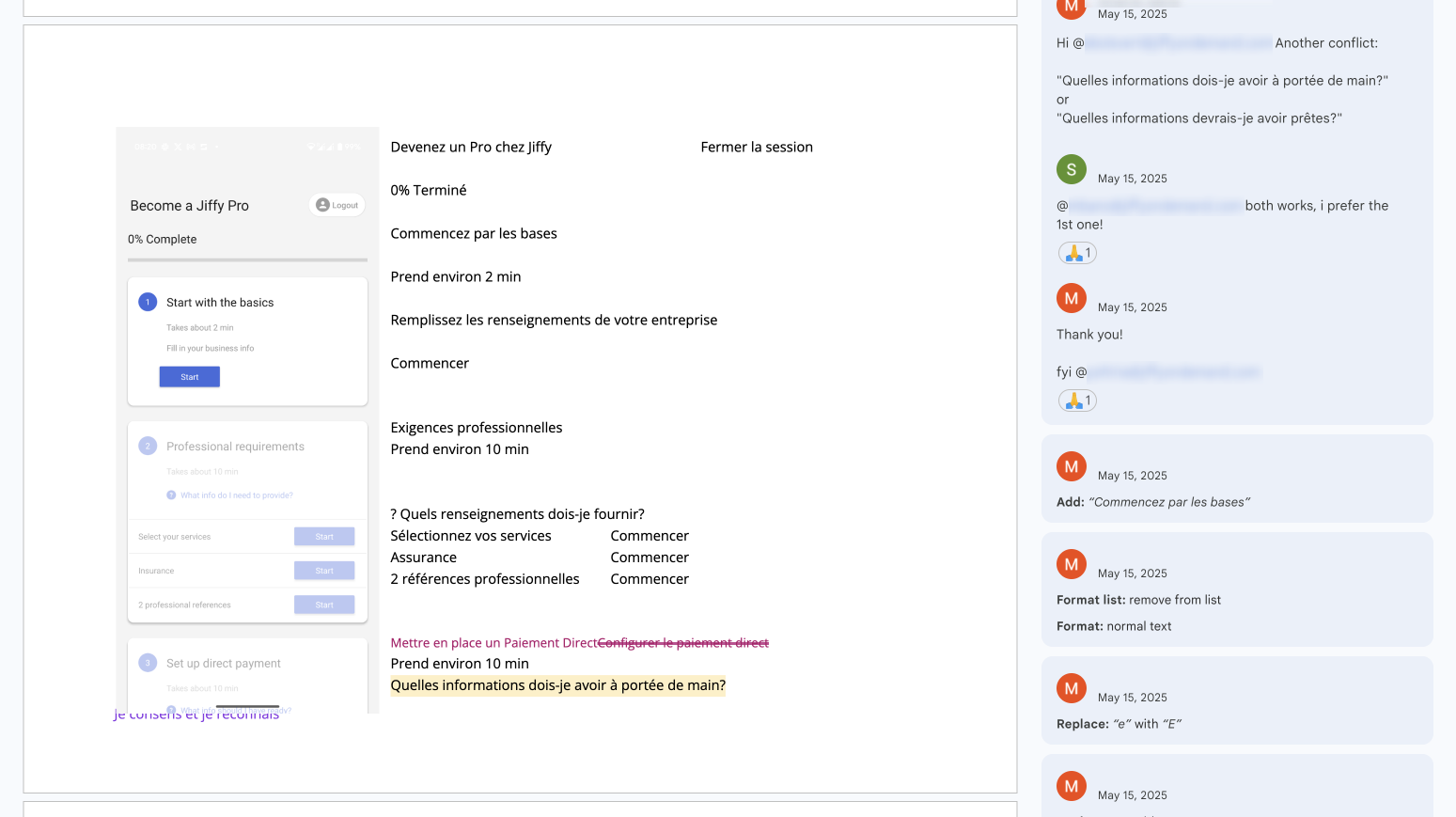
This approach works for a small number of screens, and there's a reason it became the traditional method, but it collapses when you're dealing with multiple surfaces, versions and content types. It becomes hard to manage, hard to track and frustratingly slow.
We knew this wasn't going to scale for us. We adopted it briefly while evaluating options, but the screenshots from that phase make it obvious how quickly it becomes unmanageable.
Our Setup: CrowdIn + AI + One Human
With the rise of AI, our first instinct was to use an LLM like ChatGPT to translate content directly. It didn't take long to see the limitations. The translations didn't sound Québec French, and often leaned toward European French or felt slightly mechanical. Fear not humans, you are still valuable.
The key was having a native Québécois French speaker on the team who could tell us whether translations felt natural. After testing real production copy in ChatGPT and reviewing it with our proofreader, it became clear that AI alone would not be enough.
This led us to explore Translation Management Systems (TMS). These platforms combine AI with structured workflows and tools that improve quality and consistency. The space includes CrowdIn, Phrase, SmartCat and others, and while each one has strengths, they tend to share several features:
- A Translation Memory: a running library of approved translations that the system uses to auto-fill similar or repeated phrases.
- A Glossary: a list of fixed product-specific terms (like "Job," "Pro" and "Jiffy+") that should always be translated the same way.
- A marketplace for hiring translators.
- A Figma integration.
- Connectors that pull content in, translate it and push it back out.
Much of the work happens inside the TMS editor, where translators and proofreaders can draw from AI, the glossary and the translation memory while reviewing content in context. The Figma plugin is extremely useful because it uploads both the strings and the screenshots in just a few clicks, so translators always know where text lives in the UI.
The editor also shows where each suggested translation came from and lets the proofreader refine it before it's added to the Translation Memory. This keeps future translations consistent.
After trying three platforms, we chose CrowdIn because it integrated seamlessly with Figma, exported files in exactly the formats our developers needed, offered strong integrations with Google Workspace and Customer.io, and provided a solid Glossary, Translation Memory and AI pre-translation engine.
The result was a major shift. We moved human effort from translation to refinement, which boosted throughput without losing quality.
The big lesson: pick a TMS that fits your team rather than forcing your team to fit the tool.
Our Workflow: Step-by-Step Recipe
If your localization project is a large one, these steps may help you set a clear path.
1. Audit your content
Start with a central tracker. Ours lived in Google Sheets and listed everything that needed translation, plus owners and statuses. It wasn't the PM tool for the project, but it was a reliable way to ensure we didn't miss anything. It also helped uncover forgotten items: help centre content, video subtitles, marketing copy and more.
2. Define your glossary
List terms like "Pro," "Jiffy+," "Job," and agree on Québec French equivalents before translating anything. Glossaries evolve, and we kept adding to ours. At one point, we even added our office address because we noticed the system trying to translate "unit" into bureau.
3. Build your translation memory
If you have previous translations, import them. We were starting from scratch, which is fine, but TM becomes more valuable as the project progresses.
4. Let AI pre-translate
CrowdIn's machine translation does most of the early work. We used OpenAI's gpt-4o-mini because it was fast and accurate enough for pre-translation, and we didn't see noticeably better results using GPT-5 models for this purpose.
5. Proofread in context
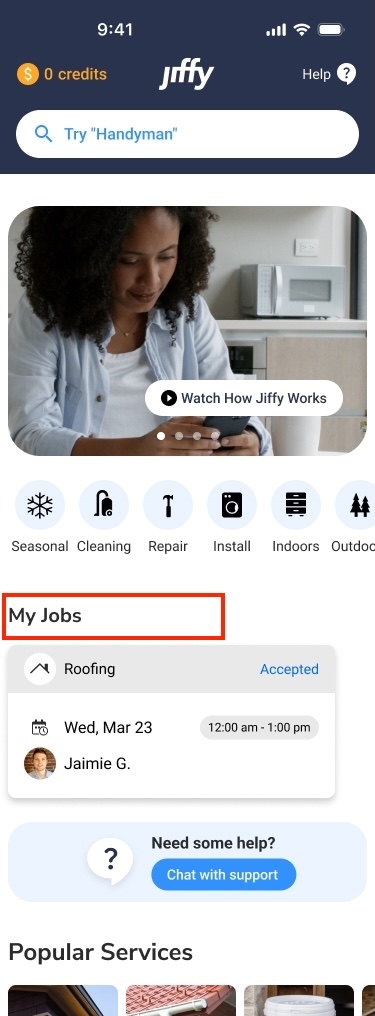
This step matters most for quality. CrowdIn's Figma plugin sends strings and annotated screenshots into the TMS, so the proofreader can see exactly where text is used. Doing this manually in the traditional method would have taken forever.
6. Export and implement
Once the proofreader approves translations, developers can export them in formats like YAML, JSON or key-value pairs and pull them straight into the codebase.
7. Handle ad-hoc needs
Toward the end of the project, you will always discover strings that were missed. These are usually edge cases, error states or old UI segments. To handle this, we built a Google Sheets "translation inbox." Developers added strings needing translation along with context, and a plugin pushed them into CrowdIn for AI pre-translation and human review. Once approved, the translations were pushed back to the sheet.
It is basically the traditional method in a tiny, controlled form, and it works really well at small scale.
As a fun bonus, I vibe-coded a quick Google Apps Script that posted to Slack whenever new translations were ready.
Our Results
We knew the workflow felt good, but the numbers made the impact clearer:
- Over 211,000 words translated in six months
- One bilingual proofreader
- About 75% translated by AI and 25% by a human
- 3-4x throughput compared to manual methods
- 100% human-reviewed and approved
- A scalable process we can continue to use for future changes
Without CrowdIn, we would have needed at least three more bilingual translators, and we still would have struggled with consistency and speed. Proofreading is simply much faster than translating from scratch.
Takeaways — What I'd Recommend
If you're kicking off a large localization project, my first recommendation is to move away from the traditional Word and PowerPoint workflow because it doesn't scale.
Spend time researching TMS options. They are cost-effective, time-saving and usually come with free trials. CrowdIn worked extremely well for us, but there are other strong options.
Keep a human in the loop. For now, the best balance of speed and quality comes from combining AI pre-translation with human proofreading.
Build two workflows: one for major projects and one for quick updates. Our Google Sheets + plugin setup is a great example of a lightweight workflow that keeps the team moving.
And finally, treat translation as a system, not a one-time event. After launch, translation needs may shrink, but consistency over time is just as important.
When I look back, we didn't just translate Jiffy into French. We created a process that helped a small and motivated team take on a big challenge. If you're planning your own localization effort, I hope this gives you ideas to make it smoother, faster and maybe even a little fun.
The proof is in the pudding. At a recent launch event in Montréal, I spoke with several pros our Operations team had onboarded. I asked whether they used the app in English or French, and every single one showed me their phone with the app set to French. They complimented us on correctness and completeness, which I'd say is magnifique!